
Choosing the best graphing calculator for engineers means considering more than a colorful graph. Engineering students may need matrix calculations, statistics, parametric plots, Python programming, or exact symbolic manipulation. A computer algebra system (CAS) can help with derivations, yet the same capability can be banned in some exams. This updated guide compares ten well-reviewed Amazon models with different strengths for engineering coursework and technical problem-solving.
We selected products with reported Amazon customer ratings from 4.0 to 5.0 stars in current category research. Ratings and availability change. The comparisons below are research-based, not claims of hands-on laboratory testing.
Quick Picks
- Best symbolic math: TI-Nspire CX II CAS
- Best familiar option: TI-84 Plus CE
- Best value color screen: Casio fx-CG50
- Best new interface: TI-84 Evo
- Best touchscreen CAS: HP Prime G2
Graphing Calculator Comparison Chart
| Photo | Calculator | Best for | Amazon |
|---|---|---|---|
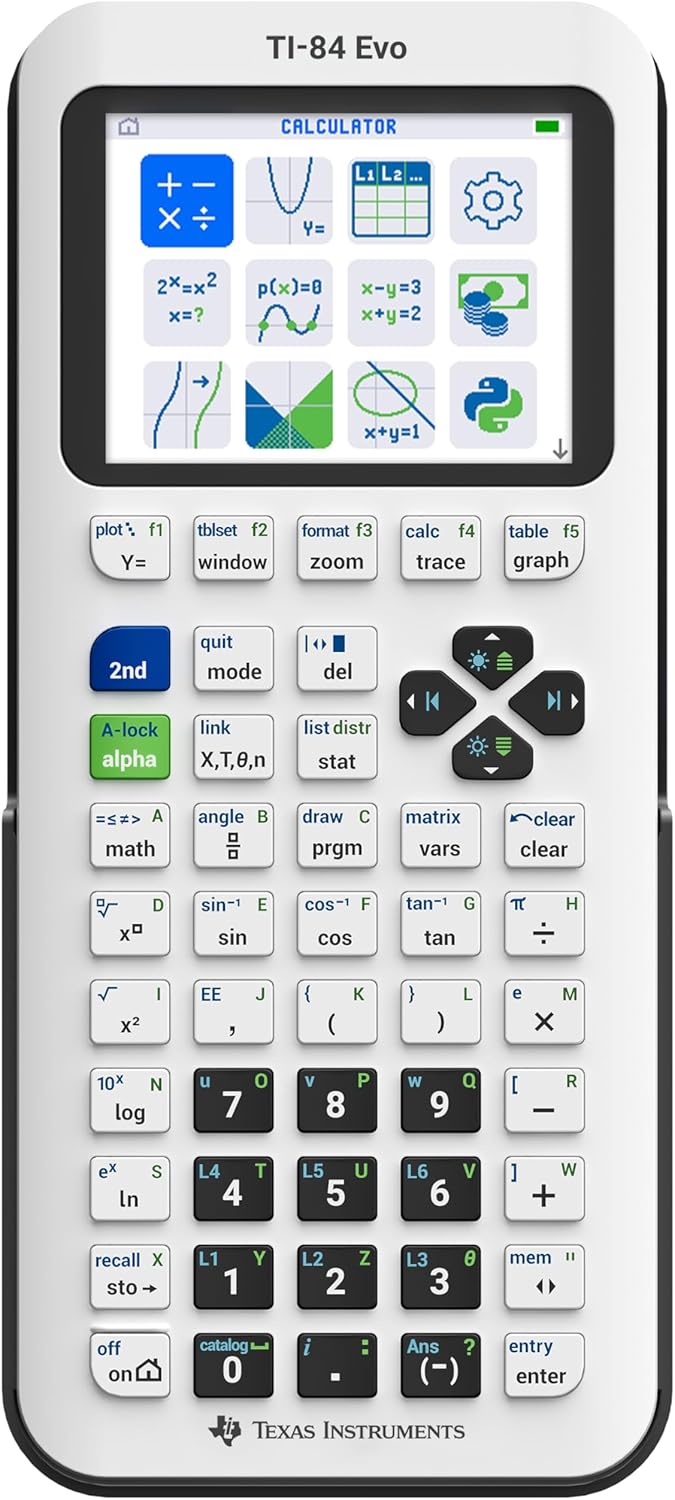 |
Texas Instruments TI-84 Evo | Best newer everyday graphing model | Check Amazon Price |
 |
Texas Instruments TI-84 Plus CE | Best familiar classroom choice | Check Amazon Price |
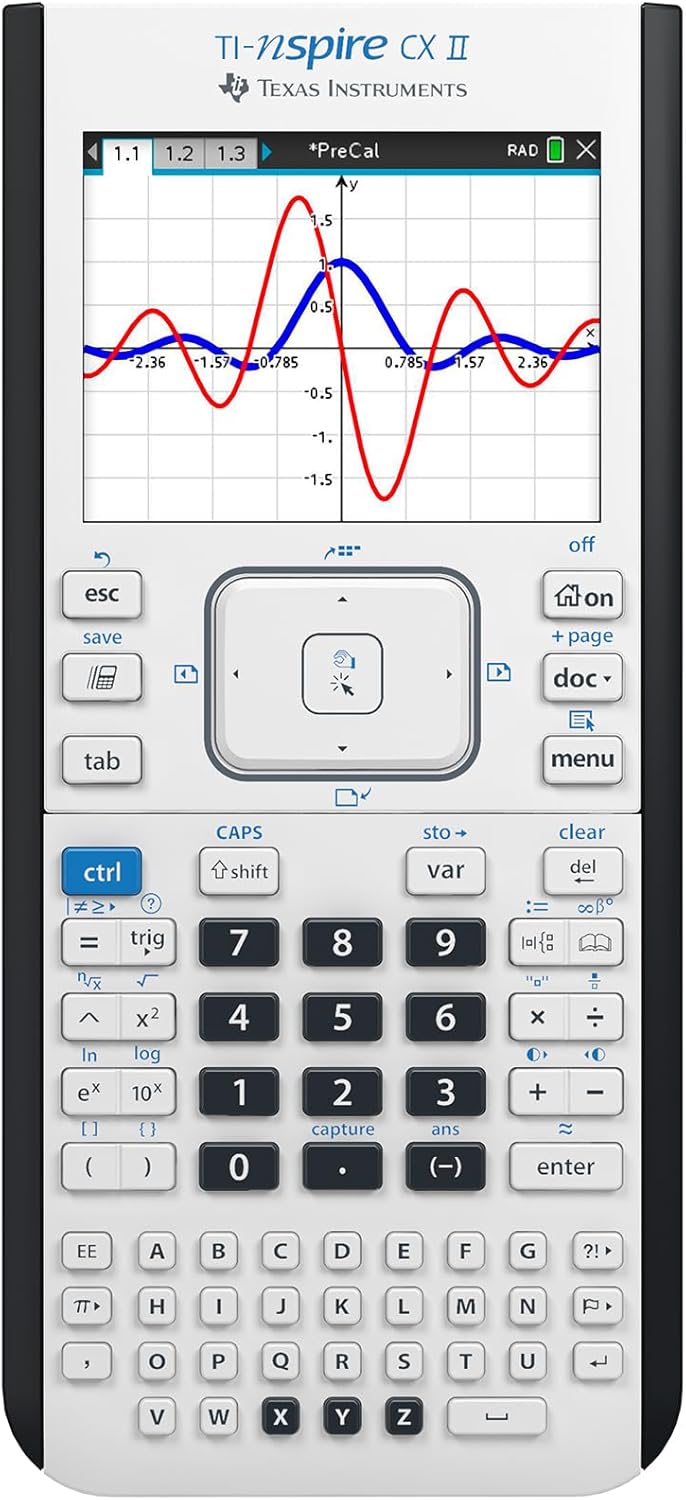 |
Texas Instruments TI-Nspire CX II (Non-CAS) | Best advanced non-CAS workflow | Check Amazon Price |
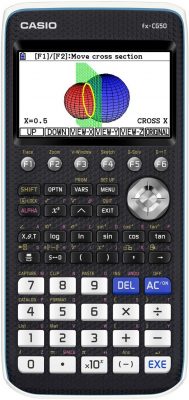 |
Casio PRIZM fx-CG50 | Best value color visualization | Check Amazon Price |
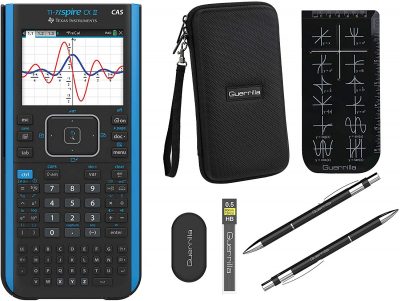 |
Texas Instruments TI-Nspire CX II CAS | Best for symbolic mathematics | Check Amazon Price |
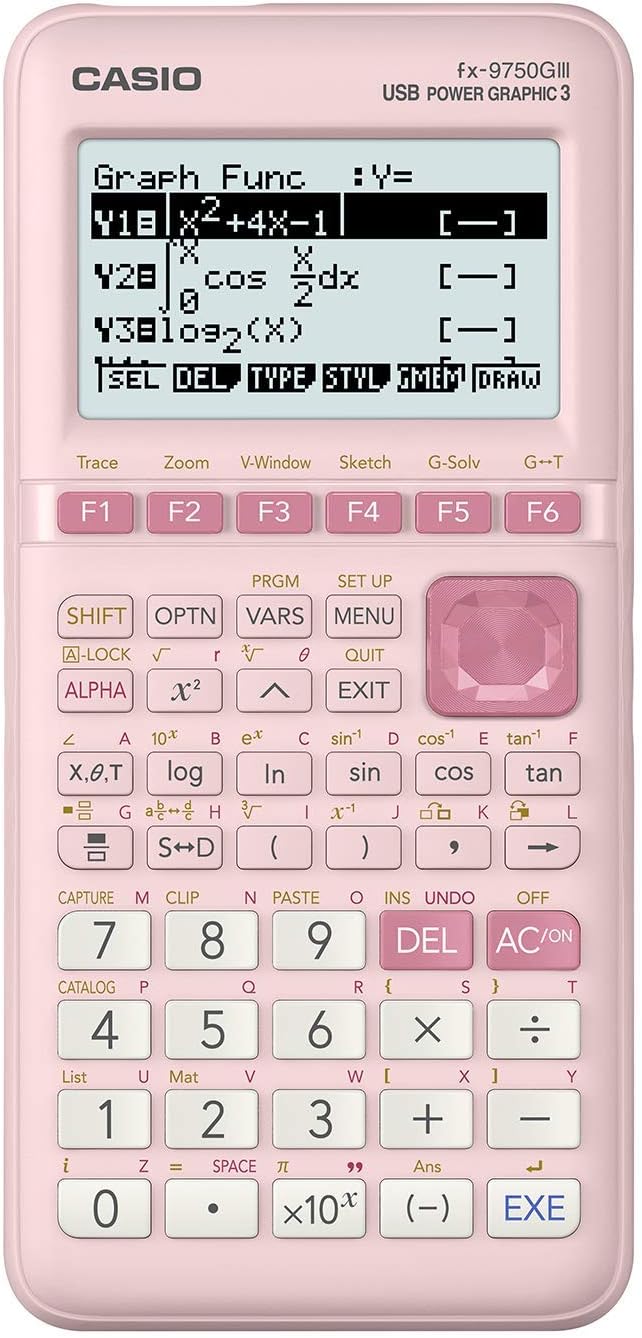 |
Casio fx-9750GIII (Pink) | Best low-cost graphing option | Check Amazon Price |
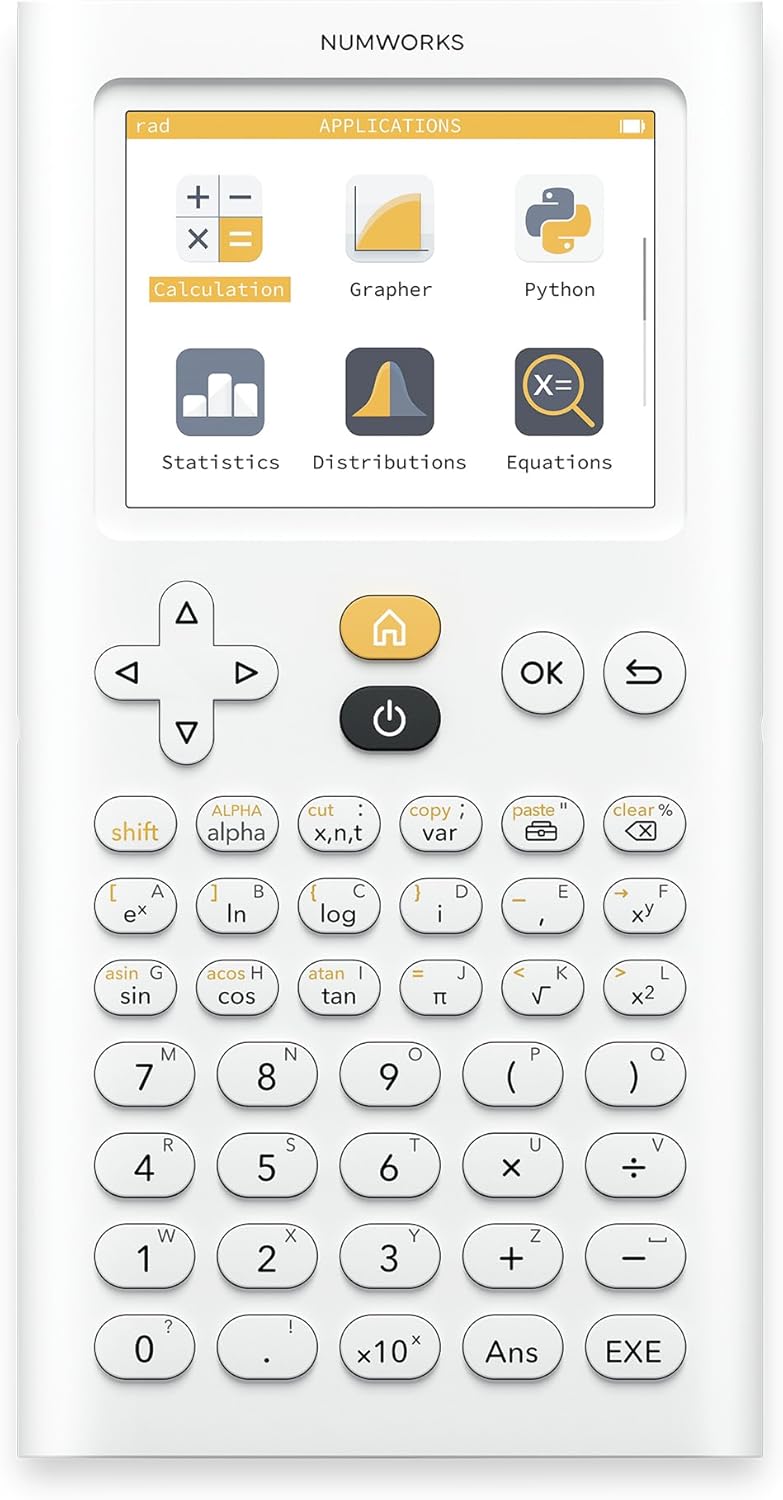 |
NumWorks Graphing Calculator | Best intuitive interface | Check Amazon Price |
 |
HP Prime G2 | Best touchscreen CAS alternative | Check Amazon Price |
 |
Texas Instruments TI-84 Plus | Best familiar legacy option | Check Amazon Price |
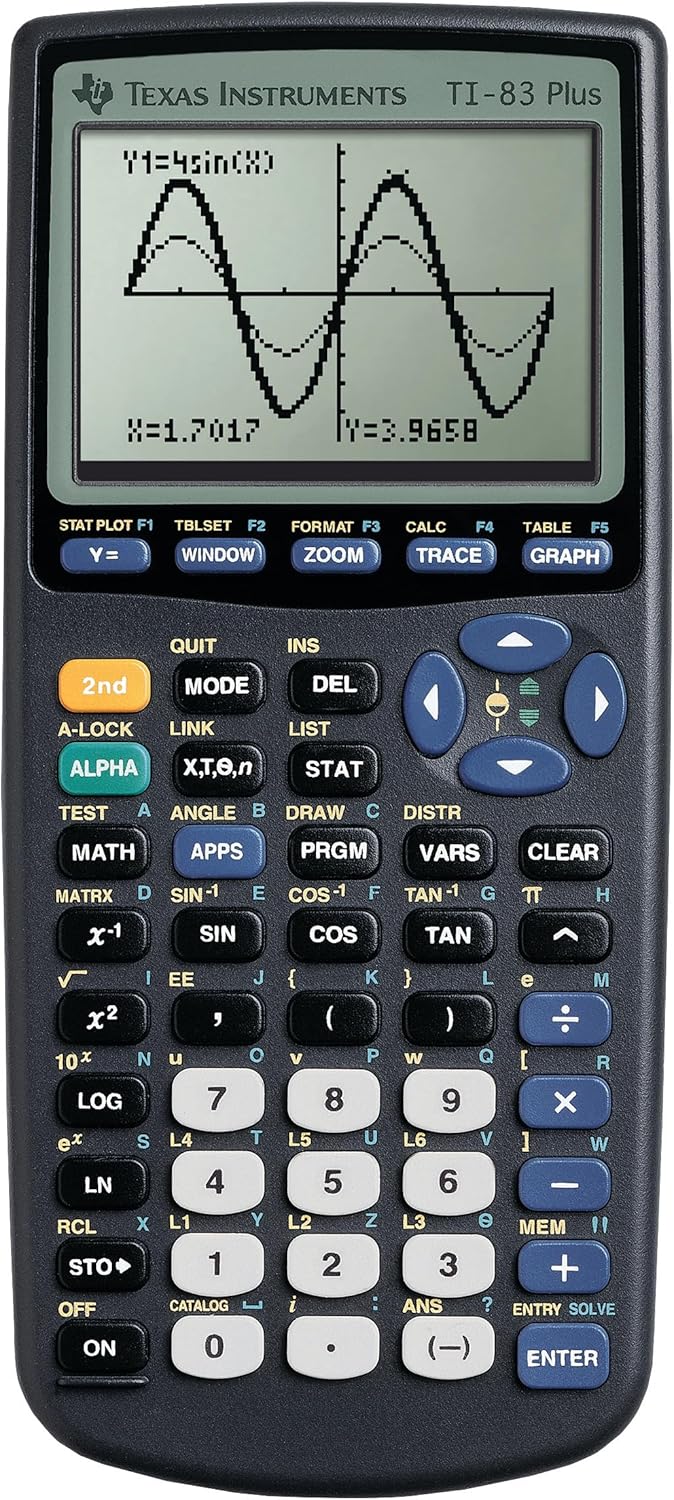 |
Texas Instruments TI-83 Plus | Best no-frills legacy calculator | Check Amazon Price |
10 Best Graphing Calculators for Engineering Students: Detailed Reviews
1. Texas Instruments TI-84 Evo
Best newer everyday graphing model
The TI-84 Evo is an interesting 2026 choice for engineering students who want a familiar graphing workflow but appreciate a more modern interface. Its icon-driven home screen and USB-C charging reduce some of the friction of older TI handhelds, while Python programming offers a practical introduction to calculator-based scripts. It is primarily a numerical and graphical tool rather than a replacement for the symbolic algebra features of a CAS calculator. For first-year calculus, statistics, physics graphs and routine engineering homework, the interface is appealing. Check your professor’s model approval list, particularly if a course standardizes instructions around the TI-84 Plus CE.
Common buyer question: Will this replace a CAS calculator for symbolic calculus? Answer: No. If your engineering coursework requires exact symbolic derivatives or algebraic solutions, select an approved CAS model instead.
2. Texas Instruments TI-84 Plus CE
Best familiar classroom choice
The TI-84 Plus CE remains a strong pick for students who want a slim color-screen calculator with broad instructional support. Many high school and introductory college courses publish key sequences specifically for the TI-84 family, which can make tutorials, group study and troubleshooting easier. It handles graphs, numeric calculus tools, statistics, matrices and useful equation-solving workflows, but it does not provide the full symbolic manipulation of a computer algebra system. The rechargeable design is convenient for daily classes. For engineering majors who value a widely recognized model and relatively simple menus, it balances practical capability and familiarity. Confirm whether your course requests the Python variant or the standard edition.
Common buyer question: Does every TI-84 Plus CE include Python? Answer: No. Check the exact edition and listing; the Python-enhanced variant is distinct from older standard units.
3. Texas Instruments TI-Nspire CX II (Non-CAS)
Best advanced non-CAS workflow
TI-Nspire CX II provides a document-oriented way to work through mathematical problems. Students can combine graphs, lists, spreadsheets, geometry and calculations in one environment, an advantage for physics and engineering labs involving many related quantities. The color screen and templates help with matrices, functions, parametric equations and numerical modeling. Because this is the non-CAS version, it avoids some symbolic capabilities found in its CAS sibling; that difference matters for coursework and examinations. Its learning curve is steeper than a TI-84, but the integrated workspace can be rewarding for users willing to learn its navigation. Check course rules before selecting either Nspire variant.
Common buyer question: What is the main difference from the CX II CAS? Answer: The regular CX II is a numerical graphing model; the CAS edition adds symbolic algebra capabilities that some exams restrict.
4. Casio PRIZM fx-CG50
Best value color visualization
The Casio fx-CG50 is a strong value choice when color visualization matters more than sticking to a Texas Instruments classroom ecosystem. Its color display supports useful function graphs, statistics and three-dimensional visualization, making it relevant to introductory calculus, physics and several engineering subjects. Menu-driven operation is approachable, although students working from TI-specific class instructions may have to translate steps. It is not a full symbolic CAS machine, so advanced exact algebra remains outside its strongest use case. Many buyers appreciate the balance of capabilities and price. Check the current exam policy and whether optional programming support fits your region’s firmware before relying on Python functionality.
Common buyer question: Is the fx-CG50 suitable for an engineering class that uses TI worksheets? Answer: Often yes for the underlying math, but menu sequences differ; confirm permitted models and teaching materials.
5. Texas Instruments TI-Nspire CX II CAS
Best for symbolic mathematics
Engineering students tackling algebra-heavy calculus, linear systems or exact symbolic expressions may benefit most from TI-Nspire CX II CAS. Its computer algebra system can manipulate formulas rather than just return decimal approximations, which is especially valuable while checking derivations or solving complex symbolic relationships. The same family also provides graphing, geometry, spreadsheets and document-style organization. That extra mathematical power comes with an important limitation: many exams and some engineering departments ban CAS-capable handhelds even when ordinary graphing calculators are allowed. Before buying, consult current department and testing rules. For an approved coursework environment, it is one of the most capable handheld options in this comparison.
Common buyer question: Can I use this on the ACT? Answer: CAS graphing calculators are not permitted on the ACT; always verify current exam-specific calculator rules.
6. Casio fx-9750GIII (Pink)
Best low-cost graphing option
If your main goal is reliable graphs and numerical math at a manageable price, the Casio fx-9750GIII deserves consideration. Its monochrome display is less eye-catching than a newer color screen, but it covers essential graphing, statistics, matrices and equation-solving tasks needed in many early engineering courses. Natural Textbook Display helps keep fractional expressions readable, and supported versions also provide Python programming for simple calculations and algorithms. This specific pink model offers the same core family functionality with a different case color. It suits cost-conscious students who would rather pay for practical functions than a premium display. Check course policy and compare the exact model rather than assuming all older Casio generations are identical.
Common buyer question: Is this the same as the older fx-9750GII? Answer: No. The GIII is a different generation; verify that the retailer lists the GIII rather than the older GII.
7. NumWorks Graphing Calculator
Best intuitive interface
NumWorks takes a modern interface-first approach that can appeal to engineering students who dislike long sequences of traditional calculator menu shortcuts. Its clean graphical presentation makes it easier to move between functions, equations, statistics and numerical calculations. Python programming provides an approachable environment for experimenting with formulas and small scripts. For daily coursework it feels more like a modern handheld app than a legacy calculator, though it is not a full symbolic CAS replacement. Adoption varies by school, so tutorial support and exam permissions require a closer look before purchasing. Choose it for easy navigation and exploratory work rather than maximum institutional familiarity.
Common buyer question: Can teachers who use TI-84 instructions teach on NumWorks easily? Answer: The mathematical tasks may be similar, but menu steps differ. Check whether your instructor permits other calculator families.
8. HP Prime G2
Best touchscreen CAS alternative
HP Prime G2 appeals to advanced math students who prefer touch interaction and a strong symbolic mathematics toolkit. Its color touchscreen works with a comprehensive computer algebra system that can manipulate expressions and perform exact operations useful in calculus and engineering mathematics. The combination of touchscreen navigation, apps and programmable functions gives it a different feel from TI and Casio products. There is a learning curve, especially when moving between home and CAS views, but experienced users may appreciate the depth. Like other CAS-equipped units, exam approval cannot be assumed. Verify the specific bundled product’s contents, course compatibility and current testing rules before ordering.
Common buyer question: Is HP Prime allowed in every university engineering exam? Answer: No. Some departments restrict all graphing or CAS devices. Confirm with your instructor before relying on it.
9. Texas Instruments TI-84 Plus
Best familiar legacy option
The original TI-84 Plus remains available and can be useful when a class expects precisely this keypad layout and menu structure. Its monochrome display and older hardware feel dated compared with color models, yet it still handles graphs, statistical work, matrices and many common algebra and calculus-support operations. Because replacement units and tutorials are widespread, used or renewed options can be appealing for a tight budget, though battery condition and seller warranty deserve attention. Its computing power is modest by modern standards, so complex graphs can take longer. It is most sensible for students who want a familiar calculation tool without paying for a touchscreen or symbolic CAS.
Common buyer question: Should I buy a used TI-84 Plus instead of a new model? Answer: Only when the price savings justify possible keypad wear, battery concerns and limited warranty coverage.
10. Texas Instruments TI-83 Plus
Best no-frills legacy calculator
For straightforward math classes with modest calculator requirements, the TI-83 Plus can still perform useful function graphing, statistics and numeric computations. Its long history means students can find numerous online tutorials, even though the screen, memory and general responsiveness are clearly older than modern handhelds. Advanced engineering students may quickly outgrow its capabilities, particularly when working with larger matrices, sophisticated visualization or symbolic algebra. It should therefore be considered a budget or backup choice rather than the top recommendation for a full engineering degree. Compare its price against current entry-level Casio models, since a newer calculator may provide substantially more useful functions for a similar amount.
Common buyer question: Will a TI-83 Plus last through a complete engineering program? Answer: It may be sufficient for introductory work, but upper-level courses can benefit from more advanced numerical or symbolic tools.
How to Choose a Graphing Calculator for Engineering
Do you need CAS for calculus or linear algebra?
A computer algebra system simplifies expressions and solves some problems symbolically rather than just numerically. This can help in advanced calculus and engineering mathematics, but CAS features may be restricted in tests. Never assume an advanced calculator is automatically permitted.
Matrix tools, statistics and programming
Mechanical, electrical and civil engineering courses often involve matrix calculations, numerical methods and data analysis. Compare keypad efficiency, available programming languages, memory limits and software transfer workflows. Python can be useful for small experiments, but version support differs across models.
Exam rules matter more than extra features
Check the calculator policy for your university department, instructor and standardized examination. ACT, AP, IB and campus exams have different restrictions, and rules can change. The most powerful calculator is not the best purchase if you cannot use it during the exam that matters.
Frequently Asked Questions
What graphing calculator is best for an engineering major?
For approved symbolic coursework, TI-Nspire CX II CAS and HP Prime G2 offer broad advanced mathematics functions. For non-CAS courses, TI-84 Plus CE, TI-84 Evo and Casio fx-CG50 may be better fits.
Is a TI-84 good enough for engineering?
It handles many early engineering topics, including graphs, matrices and statistics. Some advanced projects benefit from CAS-capable devices or full computer software such as MATLAB or Python.
Do engineering students need a graphing calculator with Python?
Not always. Python support can be a learning advantage, but many courses rely on laptops for programming. Confirm your syllabus before paying extra for a specific calculator programming feature.
Why are CAS calculators sometimes banned?
Because symbolic algebra can automate work that an examination intends students to perform manually. Rules depend on the particular exam, not just the calculator’s brand.
Final Verdict
For most students who want classroom familiarity, TI-84 Plus CE remains a dependable choice. If symbolic engineering mathematics is approved, consider TI-Nspire CX II CAS or HP Prime G2. For budget-conscious color graphing, Casio fx-CG50 offers compelling features, while TI-84 Evo brings a fresh interface. Always prioritize course compatibility over specifications alone.
Research-based comparison. Check manufacturer documentation, exact Amazon listings and your current course or examination calculator policy before ordering. Browse more SizeThemUp buying guides.